
This is InvestingStrategy, where we cover high risk small cap shares in the mining and biotech sectors, with a sprinkling of relevant macroanalysis.
Investing Strategy: The Galileo Resources Edit
Galileo Resources is advancing multi-commodity properties across a diverse portfolio, including promising copper assets in Zambia. Welcome to this week’s EDIT, where I spend the day doing a deep dive into a single small cap stock — with the aim of creating a condensed investment case within a single article. This week, it’s Galileo Resources,…
Keep reading

Kodal Minerals: what happens now?
The following part of the article was updated March 7, 2024: Kodal Minerals is rising once again — long term investors will now wait patiently. Here’s why. In the junior resource sector, there are a handful of simple investing ‘rules’ that are easy to follow. One of these is to buy shares in companies that…
Keep reading
Mining
Investing Strategy: The Galileo Resources Edit
Investing Strategy: The African Pioneer Edit
What’s going on with Mila Resources?

Investing Strategy: The Kendrick Resources Edit
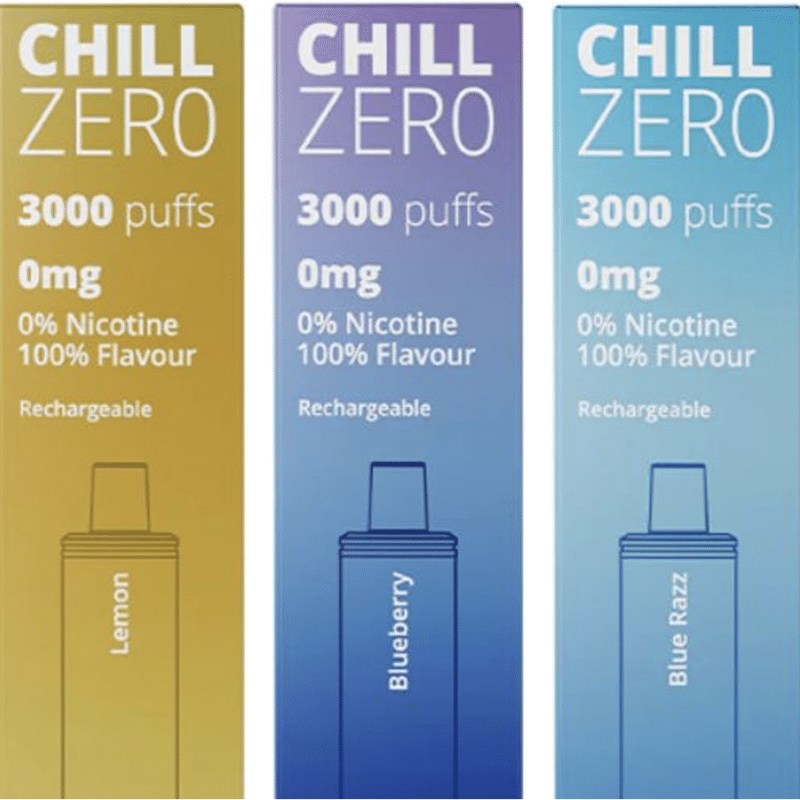
Chill Brands is about to RNS an EGM request. Here’s why
Jonathan Swann is leading a large group of investors to make changes at the growing vape business. Yesterday, the board of directors of Chill Brands (LON:…
In defence of the £20,000 ISA allowance
A new tax year is upon us — and there’s always one person who wants to tax investors even more. A couple of days ago, the Resolution Foundation…
Is the small cap market broken?
The goose lays the golden egg. Be careful not to slaughter it.A few days ago, I had a chat with Power Metal Resources CEO Sean Wade — listen…
Start a business or start investing? From a tax perspective, it’s an easy choice
Let’s say you want to get started with £20,000 in capital. What’s the best way forward? I should start this article with the usual caveats: nothing here is…
Why do some CEOs remain silent as the share price tanks?
There’s often reasons you are not party to — and nobody wants to be kept in the dark. On the other hand, some boards are clearly a bit…
I now have a crystal ball. Here’s what happens next
17 years ago, I visited Delphi and was struck with prophetic powers. Here’s some of my tongue-in-cheek predictions for the next few months. As a long-term investor, I…